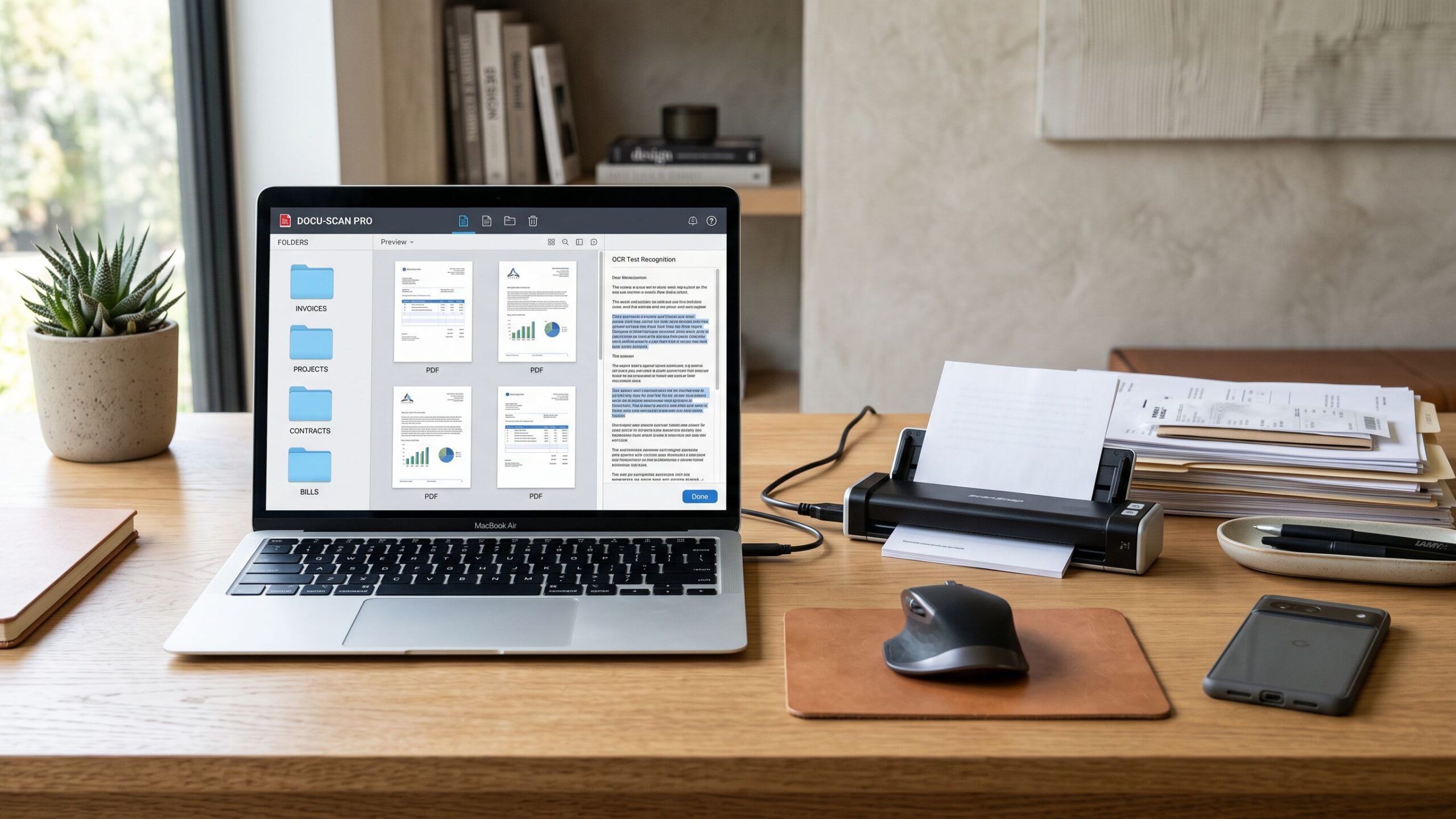
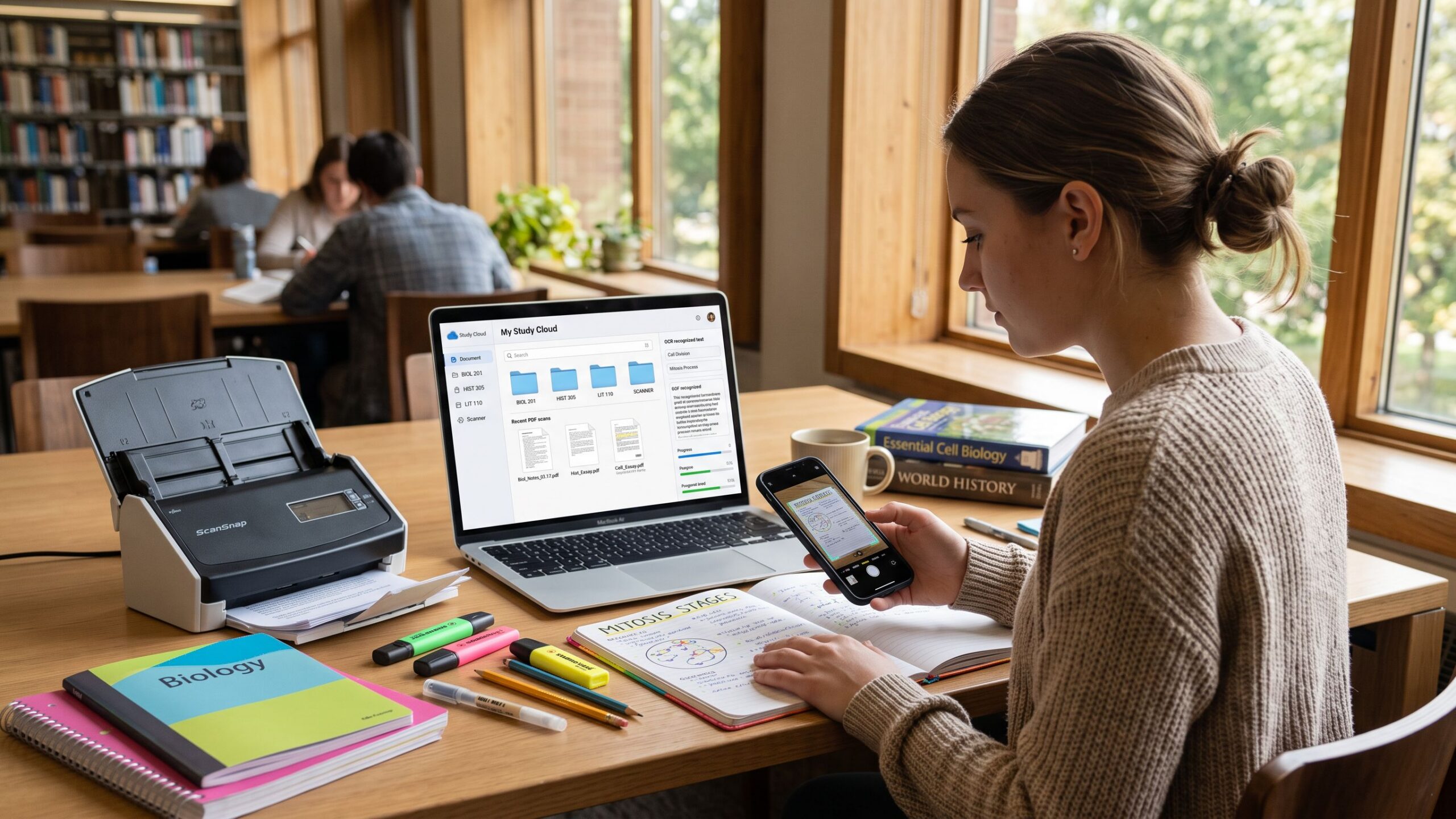
Paper documents still play a major role in modern life. Contracts arrive as scans, receipts pile up in folders, old records exist only as PDFs, and handwritten notes often need to be digitized. Optical Character Recognition, better known as OCR, bridges the gap between static scanned files and editable, searchable text. The best OCR software doesn’t just “read” documents—it understands layout, preserves formatting, and turns messy scans into usable digital content. Choosing the right OCR solution can save hours of retyping, reduce errors, and unlock the real value hidden inside scanned documents.
A: 300 DPI is a great baseline. Use higher DPI for tiny text or faint documents.
A: Searchable PDF for archiving; Word if you need heavy editing and reformatting.
A: Layout detection may be off. Enable column recognition or manually zone the page.
A: Sometimes. Look for strong table detection; always spot-check rows and totals.
A: Local OCR is best for privacy. If using cloud OCR, review security settings and retention.
A: It’s usually blur, compression, skew, or low contrast—improve the scan and rerun.
A: Some tools can, but results vary. Printed text is still far more reliable.
A: Deskew + increase contrast + choose the correct language before running OCR.
A: Yes, especially with document scan modes that flatten, brighten, and straighten the page.
A: Use confidence highlights, search for common errors (1/l/I), and check headings + totals.
What OCR Software Actually Does
At its core, OCR software analyzes images of text and converts them into machine-readable characters. A scanner or camera captures the document as an image, and OCR algorithms interpret shapes, lines, and patterns to identify letters, numbers, and symbols. Modern OCR goes far beyond basic text extraction. Advanced tools recognize tables, columns, fonts, and even handwriting, transforming flat images into structured, editable files.
The quality of this process determines whether the output feels effortless or frustrating. Poor OCR produces garbled text, broken sentences, and lost formatting. High-quality OCR delivers clean, editable documents that feel almost native, even when the original scan wasn’t perfect.
Why OCR Quality Matters More Than Ever
As more workflows move digital, scanned documents are no longer archives—they’re active resources. Businesses rely on OCR to process invoices, contracts, and forms. Students use it to study from scanned textbooks. Researchers digitize historical records. Creators convert notes into editable drafts. In all these cases, accuracy matters. One misplaced number or missing line can change meaning, cause errors, or require manual correction that defeats the purpose of OCR altogether.
The best OCR software minimizes cleanup time. It produces text that’s not just readable, but reliable. This reliability turns OCR from a novelty into a productivity tool.
Key Features That Separate Good OCR From Great OCR
Not all OCR tools are created equal. The strongest solutions share a few defining characteristics. Accuracy sits at the top. This includes correct character recognition, proper spacing, and faithful reproduction of punctuation. Layout preservation is equally important. Documents often rely on structure, and OCR software should respect columns, headers, tables, and page flow.
Language support also plays a major role. High-quality OCR software supports multiple languages and scripts, allowing users to work with global documents. Speed matters too. Efficient OCR processes large batches of files quickly without sacrificing accuracy. Finally, export flexibility ensures the recognized text can be saved in formats that fit real-world workflows, such as editable documents, searchable PDFs, or plain text.
Handling Imperfect Scans
Real-world scans are rarely perfect. Pages may be skewed, faded, crumpled, or photographed under uneven lighting. The best OCR software compensates for these issues automatically. Advanced tools include image preprocessing that straightens pages, adjusts contrast, removes noise, and sharpens text before recognition even begins.
This preprocessing step often determines success. When OCR software can “clean” an image before reading it, accuracy improves dramatically. Tools that skip this step tend to struggle with anything less than pristine scans.
OCR for PDFs vs Images
Many people assume OCR is only for images, but scanned PDFs are one of the most common use cases. A scanned PDF is essentially a container of images, not real text. Without OCR, the content can’t be searched, selected, or edited. Good OCR software detects whether a PDF already contains text or needs recognition, then processes it accordingly.
The best tools integrate OCR seamlessly into PDF workflows, allowing users to convert scanned PDFs into fully searchable and editable documents while preserving the original layout. This capability is especially valuable for archives and records management.
Editable Output That Actually Works
Converting text is only half the job. What matters is how usable that text is afterward. High-quality OCR software produces output that behaves like a native document. Paragraphs flow naturally, headings remain distinct, and tables stay aligned. When OCR output requires minimal correction, users can focus on their work instead of fixing recognition errors.
Editable output also means compatibility. Whether the document needs to be opened in a word processor, uploaded to a content management system, or indexed for search, flexibility ensures OCR fits into existing processes.
OCR and Handwritten Text
Handwriting recognition is one of the most challenging areas of OCR. While no software is perfect, modern solutions have made impressive progress. The best OCR tools can recognize neat handwriting with reasonable accuracy, especially when trained on common writing styles. This capability is invaluable for digitizing notes, forms, and historical documents.
Handwriting OCR often works best when expectations are realistic. While typed text recognition can approach near-perfect accuracy, handwritten OCR may require review and correction. Still, even partial recognition can dramatically reduce manual transcription time.
Batch Processing for Large Projects
OCR isn’t always a one-document task. Businesses, libraries, and researchers often need to process hundreds or thousands of files. Batch OCR capabilities allow multiple documents to be processed in a single operation, saving time and ensuring consistency.
The best OCR software handles batch processing efficiently, maintaining accuracy across varied documents while providing clear progress indicators. This feature transforms OCR from a single-use tool into a scalable solution.
Security and Privacy Considerations
Scanned documents often contain sensitive information, including financial data, legal records, and personal details. OCR software must handle this information responsibly. Local processing ensures documents never leave the user’s system, while secure cloud-based tools should clearly explain how data is stored, processed, and deleted.
Trustworthy OCR software prioritizes user privacy, offering transparency and control. For businesses and individuals alike, security is not optional—it’s foundational.
OCR for Different Use Cases
The “best” OCR software depends on how it’s used. For casual users digitizing occasional documents, simplicity and ease of use matter most. For professionals handling contracts, invoices, or research materials, accuracy and layout preservation are critical. For teams, collaboration features and integration with document systems can make or break efficiency.
Understanding your primary use case helps narrow the field. OCR software that excels in one scenario may fall short in another, so alignment with real needs is key.
Speed vs Accuracy: Finding the Balance
Some OCR tools prioritize speed, processing documents rapidly but with lower accuracy. Others take longer but deliver cleaner results. The best solutions strike a balance, offering fast processing without sacrificing reliability. In practice, accuracy usually matters more than raw speed, especially when dealing with important documents.
Software that allows users to adjust recognition settings provides flexibility. Being able to choose higher accuracy for complex documents and faster processing for simple ones gives users control over results.
Learning Curve and User Experience
Powerful OCR software shouldn’t feel intimidating. A clean interface, logical workflows, and helpful previews make a huge difference. The best tools guide users through scanning, recognition, and export without requiring technical expertise.
User experience becomes even more important when OCR is used regularly. Software that feels intuitive encourages consistent use and reduces friction in daily workflows.
OCR as a Foundation for Automation
OCR often serves as the first step in larger automation pipelines. Once text is digitized, it can be searched, analyzed, categorized, and integrated into databases. This makes OCR a foundational technology for document automation, data extraction, and workflow optimization.
High-quality OCR output improves everything downstream. Clean text enables accurate indexing, better analytics, and smoother automation. In this way, OCR is not just about converting documents—it’s about unlocking future possibilities.
Evaluating Accuracy in Real Conditions
Marketing claims often promise near-perfect accuracy, but real-world performance matters more. The best OCR software performs consistently across different fonts, layouts, and scan qualities. It handles edge cases gracefully rather than failing outright.
Testing OCR with your own documents is the most reliable way to evaluate quality. Tools that allow trial usage or previews make this process easier and more transparent.
Cost vs Value
OCR software ranges from free tools to premium professional solutions. Free options may work for simple tasks but often struggle with complex layouts or large volumes. Paid solutions justify their cost through higher accuracy, better support, and advanced features.
Value comes from time saved and errors avoided. When OCR software consistently delivers usable results, its cost is quickly offset by increased productivity and reduced frustration.
The Future of OCR Technology
OCR continues to evolve alongside advances in artificial intelligence and machine learning. Modern systems learn from vast datasets, improving recognition across languages, fonts, and document types. Future OCR tools are likely to offer even better handwriting recognition, smarter layout analysis, and deeper integration with automation platforms.
As OCR improves, the line between scanned documents and native digital files will continue to blur, making paper-based workflows increasingly obsolete.
Choosing the Best OCR Software for Your Needs
The best OCR software for scanned documents is the one that fits seamlessly into your workflow. It should convert scans into editable text accurately, preserve structure, handle imperfections, and respect privacy. Whether used occasionally or at scale, good OCR software removes friction and reveals the true value of scanned content.
By focusing on accuracy, usability, and reliability, users can transform static scans into dynamic, searchable, and editable resources. In a digital-first world, OCR is no longer optional—it’s essential.
Document Scanning Software Programs Reviews
Explore Nova Street’s Top 10 Best Document Scanning Software Programs! Dive into our comprehensive analysis of the most powerful tools designed to transform how you scan, digitize, and manage documents across every device. Our detailed side-by-side comparison chart helps you pinpoint the perfect solution for document scanning, OCR text recognition, PDF creation, image enhancement, and secure archiving—all in real time. We break down every critical element—scan accuracy, OCR quality, file format support, image cleanup, batch processing, searchability, cloud storage integration, automation features, pricing, and cross-platform compatibility—so your document workflow stays clean, efficient, and seamlessly connected across Windows, macOS, iOS, Android, and the web.