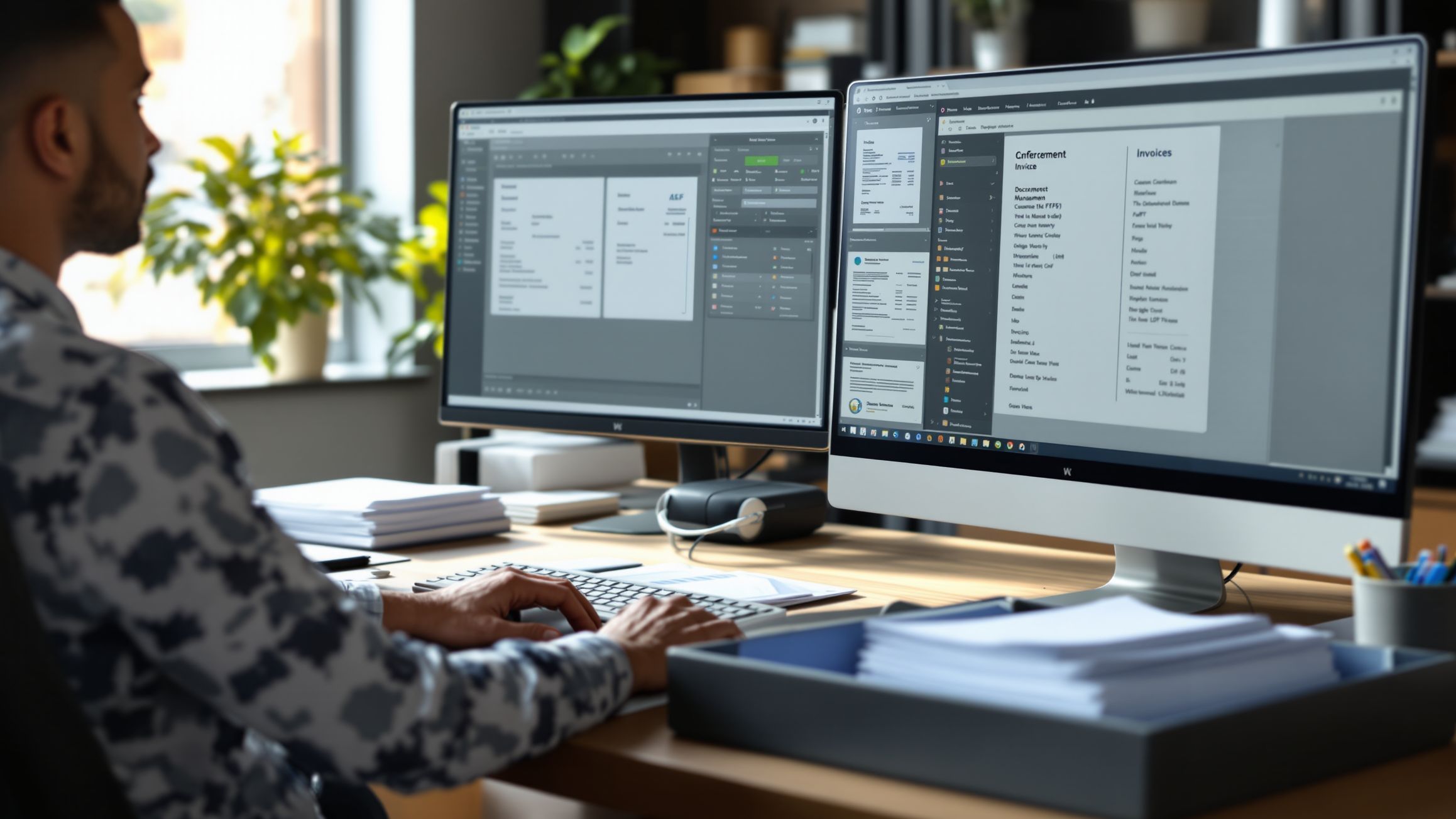
Choosing document scanning software can feel confusing because there are so many options available and most of them promise the same thing. They all claim to improve productivity, reduce paperwork, and make document management easier. For businesses trying to make the right decision, it becomes difficult to know which features actually matter and which ones are just marketing language.
A good document scanning system does much more than turn paper into PDFs. It helps businesses digitize records, organize files, improve security, speed up workflows, and reduce time wasted searching for information. Whether you need scanning for invoices, contracts, employee records, receipts, medical files, or customer paperwork, the right platform should make operations smoother instead of more complicated.
Buyer’s Guide
The best document scanning software depends on how your business handles paperwork every day. Some companies need a simple mobile scanning app for receipts and quick uploads. Others need enterprise-level OCR, automated indexing, approval workflows, and secure document storage across departments.
Popular platforms like Adobe Scan, ABBYY FineReader, Microsoft Lens, Kofax, PaperScan, VueScan, and enterprise document capture systems all serve different needs. Adobe Scan is often one of the strongest mobile options, ABBYY FineReader is known for advanced OCR accuracy, and enterprise systems like Kofax focus heavily on automation and large-scale processing.
The goal is not to choose the most expensive software. The goal is to choose the platform that fits your workflow, protects your records, and saves time every single week.
Start With What You Need to Scan
Before comparing software, the first question should be simple. What documents are you scanning?
For small businesses, the focus may be invoices, receipts, vendor paperwork, contracts, and tax records. Speed and searchable PDFs often matter most because these documents are handled daily.
For healthcare offices, legal firms, and financial teams, secure storage and compliance become much more important. Sensitive records require stronger permissions, encryption, audit trails, and accurate indexing.
For sales teams and field workers, mobile scanning may be the top priority. Quick phone-based scanning for signed forms, IDs, business cards, and client paperwork can improve speed dramatically.
For enterprises handling large document volumes, batch scanning, automated classification, OCR accuracy, and workflow automation become essential. Scanning hundreds or thousands of pages manually creates major inefficiency without the right system.
Knowing what you scan most often makes software selection much easier.
OCR Should Be a Top Priority
One of the most important features in document scanning software is OCR, which stands for optical character recognition.
OCR allows scanned documents to become searchable and editable instead of remaining simple image files. Without OCR, finding one invoice inside hundreds of scanned pages becomes frustrating and time-consuming.
Strong OCR matters especially for contracts, invoices, HR files, and archived paperwork where quick search saves real time and money. It also improves accuracy when extracting names, dates, totals, and important business details.
Adobe Scan is often praised for strong OCR in mobile environments, while ABBYY FineReader is widely recognized for higher OCR accuracy and better layout retention for complex documents and multi-column files.
If your business depends on searchable records, OCR should never be treated as an optional feature.
Security and Compliance Matter More Than People Expect
Many businesses focus on speed first and forget that scanned documents often contain highly sensitive information.
Invoices include financial records. HR files contain personal employee data. Medical offices handle private health information. Legal teams manage confidential contracts. Weak document security creates serious risk.
Strong document scanning software should include access controls, encryption, secure cloud storage, audit logs, and permission management. Businesses should know who accessed a file, when it was viewed, and where it was shared.
Compliance matters even more for regulated industries. Healthcare, finance, education, and legal services often require stronger documentation standards and retention policies.
A fast scanner without proper security creates more problems than it solves.
Protection should be part of the buying decision from the beginning, not added later as an afterthought.
Device Compatibility Changes Daily Workflow
One of the most common mistakes buyers make is choosing software without checking how it works across their real devices.
A document scanning platform should work where your team actually works. That may include desktop computers, office scanners, laptops, mobile phones, tablets, and cloud storage systems.
Mobile apps matter for remote work and fast field operations. Adobe Scan and Microsoft Lens are strong examples of mobile-first tools that help users capture documents quickly from anywhere. Microsoft Lens also works especially well for businesses already using Microsoft 365 workflows.
Desktop compatibility matters for larger offices where bulk scanning and advanced editing are required. VueScan is often valuable for older scanner hardware because it supports flatbed, document, and legacy scanners across Windows, macOS, and Linux.
Cross-platform syncing should feel smooth. If the software works beautifully on desktop but creates frustration on mobile, adoption drops quickly.
Convenience supports consistency, and consistency supports organization.
Automation Saves More Than Time
The biggest long-term value in document scanning software often comes from automation, not just scanning itself.
A strong system should do more than capture documents. It should help sort them, name them, classify them, and move them into the right workflows automatically.
Invoice scanning should connect to accounting systems. Employee forms should route into HR records. Contracts should trigger approval workflows. Customer paperwork should connect to CRM platforms.
This is where enterprise tools like Kofax and advanced business platforms stand out. They reduce manual handling by combining OCR, intelligent classification, and workflow routing instead of treating scanning as a separate task.
Automation reduces human error, improves speed, and makes teams less dependent on repetitive manual filing.
The less time employees spend organizing documents, the more time they spend on actual business work.
Compare Pricing the Right Way
Price matters, but choosing the cheapest document scanning software often becomes more expensive later if the system creates slow workflows or poor searchability.
Free tools like Google Drive scanning, Microsoft Lens, and Adobe Scan can work well for basic mobile scanning and small business needs. They are excellent starting points for teams with simple workflows and low document volume.
Premium desktop tools like ABBYY FineReader usually offer stronger OCR, editing, and file management features that justify the cost for professional use.
Enterprise systems with workflow automation, compliance controls, and large-scale processing require a bigger investment, but they often save far more through efficiency and reduced administrative labor.
Instead of asking which tool costs the least, the better question is which one saves the most time and prevents the most operational mistakes.
Software should be measured by business value, not just subscription price.
Best Choices for Different Users
For most small businesses, Adobe Scan is often the easiest starting point because it combines strong mobile scanning, good OCR, and simple PDF workflows without heavy setup.
For businesses that need stronger OCR and advanced PDF management, ABBYY FineReader is often the best overall desktop option because of its accuracy, layout preservation, and batch processing capabilities.
For organizations already built around Microsoft 365, Microsoft Lens creates smooth integration with Teams, Excel, and SharePoint, making it a strong operational choice.
For enterprises handling large-scale workflows, Kofax and enterprise capture systems often provide stronger automation, classification, and compliance features than standard scanning apps.
For older scanners or unsupported hardware, VueScan remains one of the strongest compatibility solutions across multiple operating systems.
There is no perfect document scanning tool for everyone. The best one is the one that matches how your business actually works.
Final Verdict
Choosing the right document scanning software should start with your real workflow, not software marketing.
Think about what documents you scan most often, how important OCR is, where your team works, and how much security and automation your business actually needs.
A strong document scanning system should feel like part of normal operations, not another complicated tool employees avoid. It should make finding documents faster, approvals smoother, and records safer.
If you want the best all-around mobile and small business option, Adobe Scan is often the strongest starting point. If OCR accuracy matters most, ABBYY FineReader remains one of the best choices. If workflow automation is the priority, enterprise platforms like Kofax often provide the biggest long-term value.
The best document scanning software is not the one with the biggest feature list. It is the one your team uses every day, your records stay secure inside, and your business can rely on when information matters most.
Document Scanning Software Programs Reviews
Explore Nova Street’s Top 10 Best Document Scanning Software Programs! Dive into our comprehensive analysis of the most powerful tools designed to transform how you scan, digitize, and manage documents across every device. Our detailed side-by-side comparison chart helps you pinpoint the perfect solution for document scanning, OCR text recognition, PDF creation, image enhancement, and secure archiving—all in real time. We break down every critical element—scan accuracy, OCR quality, file format support, image cleanup, batch processing, searchability, cloud storage integration, automation features, pricing, and cross-platform compatibility—so your document workflow stays clean, efficient, and seamlessly connected across Windows, macOS, iOS, Android, and the web.