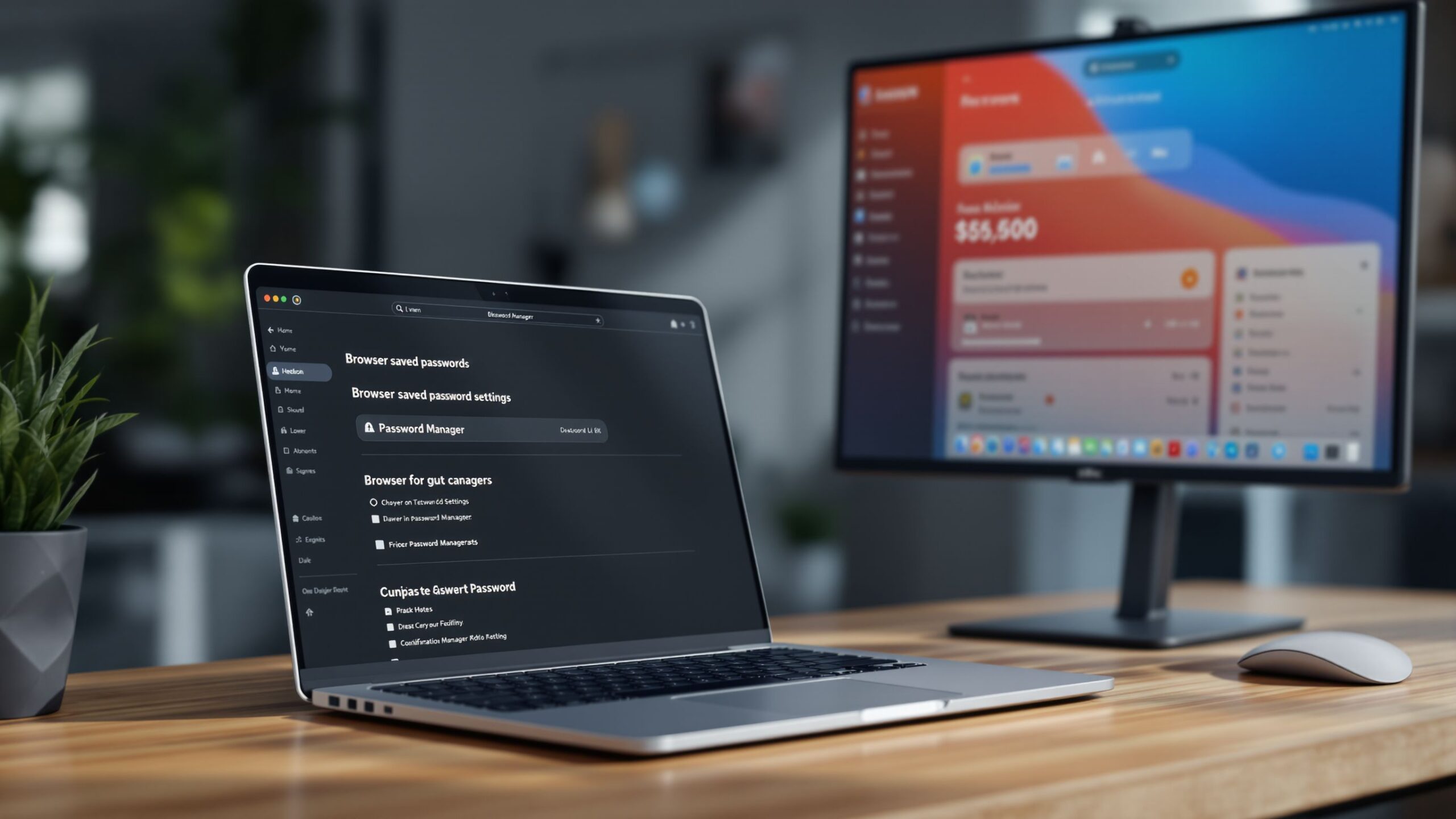
Managing passwords as a family used to mean sticky notes on the fridge, reused logins, or endless “what’s the password again?” texts. In a world where families share streaming accounts, online banking access, school portals, shopping profiles, smart home apps, and even medical logins, password chaos isn’t just inconvenient—it’s risky. A family-focused password manager promises shared vaults, easy access, and strong security without turning digital life into a technical headache. But not all password managers are built with families in mind. This in-depth guide explores what truly makes a password manager great for families, how shared vaults should work, and which solutions actually remove stress instead of adding it.
A: Shared vaults, roles/permissions, easy recovery, and simple onboarding for non-tech users.
A: Don’t. Each person should have their own account so you can manage access safely.
A: Put it in a Shared “Home” vault and allow edits only to a parent/admin.
A: Use role limits + activity logs where available, and keep shared items admin-edit only.
A: It’s convenient. For highest security, keep 2FA separate for critical accounts (email/banking).
A: Email. If email is compromised, everything else becomes easier to reset and steal.
A: Use shared vaults with minimal required steps and set up recovery/emergency access early.
A: Sometimes—especially in one ecosystem. Dedicated managers usually offer better sharing + recovery.
A: Use a share feature or temporary link (if supported), then rotate later if it’s sensitive.
A: Quarterly: rotate shared accounts, remove old devices, and fix reused or leaked passwords.
Why Families Need a Password Manager
Families operate like small digital ecosystems. Parents manage finances and household services, teens juggle school platforms and social accounts, and younger kids increasingly need supervised access to apps and websites. Without a centralized system, passwords get reused, shared insecurely, or forgotten altogether. A family password manager solves this by creating a secure hub where everyone has access to what they need—and nothing they shouldn’t. Beyond convenience, security is the real reason families should care. Reused passwords are one of the leading causes of account breaches. If a child’s gaming account password is the same as the family email, a single leak can cascade into far more serious problems. A good password manager breaks that chain by generating unique, strong passwords for every account while keeping them organized and accessible.
What “Shared Vaults” Actually Mean
The phrase “shared vaults” gets thrown around a lot, but its meaning varies widely between providers. In a family context, a shared vault should allow certain logins to be visible to multiple family members while keeping personal credentials private. Streaming services, Wi-Fi passwords, delivery apps, and shared subscriptions belong in communal vaults. Banking credentials, work logins, and personal messages do not. The best family password managers make this distinction intuitive. Instead of forcing everyone into a single messy vault, they allow multiple shared folders with granular permissions. Parents can decide who can view, edit, or use a login without seeing the actual password. This balance between access and privacy is where many tools either shine or fall apart.
Ease of Use Matters More Than Features
A password manager can have world-class encryption and still fail a family if it’s too complicated. Families include people with different comfort levels around technology, and the system needs to work for everyone from tech-savvy parents to kids who just want to log into homework platforms without friction. The best tools make onboarding simple. Inviting family members, setting permissions, and adding shared items should take minutes, not hours. Autofill should “just work” across devices, and recovery options should be clear in case someone forgets their master password. If using the app feels like a chore, families will revert to bad habits quickly.
Security Without Intimidation
Strong security is non-negotiable, but it shouldn’t feel overwhelming. Family password managers should use end-to-end encryption, zero-knowledge architecture, and modern cryptographic standards while hiding the complexity behind a friendly interface. Parents shouldn’t need to understand encryption algorithms to feel confident their family’s data is safe. Features like two-factor authentication, biometric unlocks, and breach monitoring are especially valuable for families. When handled well, these tools provide peace of mind without constant alerts or technical jargon. Security should feel protective, not stressful.
The Family Experience: Parental Controls and Oversight
One area where family password managers truly differentiate themselves is parental oversight. Parents need visibility without surveillance. The ability to manage shared passwords, revoke access instantly, and monitor security health across accounts is essential. At the same time, older children and teens benefit from learning digital responsibility, including managing their own private logins. The best platforms strike this balance by allowing parents to act as administrators while still giving individual family members autonomy over their personal vaults. This setup supports safety, education, and trust all at once.
Cross-Device Compatibility Is Non-Optional
Families don’t live on a single device. Password managers must work seamlessly across phones, tablets, laptops, and browsers. Whether someone is logging into a school portal on a Chromebook, ordering groceries from a phone, or accessing shared travel plans on a tablet, the experience should be consistent. The strongest family password managers support all major operating systems and browsers with reliable sync. Delays, mismatched vaults, or broken autofill erode trust quickly. When a password manager works invisibly in the background, it becomes part of daily life instead of another app to manage.
Pricing That Makes Sense for Families
Cost matters, especially for larger families. Family plans should offer real value compared to individual subscriptions. The best plans include multiple users, shared vaults, and parental tools under a single predictable price. Hidden fees or feature limitations can quickly sour the experience. A fair family plan recognizes that households share digital responsibilities and shouldn’t be penalized for adding children or dependents. Transparent pricing builds long-term trust and encourages proper security habits.
Evaluating the Top Contenders
Several password managers market themselves as family-friendly, but a closer look reveals meaningful differences. Some excel at simplicity but lack advanced controls. Others offer deep security features but overwhelm non-technical users. The best family password manager is the one that balances usability, security, and flexibility without friction. Top solutions in this space generally offer dedicated family dashboards, multiple shared vaults, recovery options, and responsive support. What separates the best from the rest is how naturally these features fit into everyday family life.
Why Shared Vaults Reduce Family Stress
The real magic of shared vaults isn’t technical—it’s emotional. Fewer arguments over forgotten passwords. Less anxiety about security breaches. More confidence letting kids access digital tools responsibly. Shared vaults replace chaos with clarity. Instead of one person acting as the “password keeper,” responsibility becomes distributed but controlled. This shift reduces mental load and builds healthier digital habits for everyone in the household.
Teaching Kids Smart Password Habits
A family password manager isn’t just a tool—it’s an educational opportunity. Kids who grow up using secure passwords, understanding why reuse is dangerous, and seeing good digital hygiene modeled are better prepared for adult digital life. The best family password managers support this learning gently. They don’t shame mistakes or overwhelm users with warnings. They guide behavior through design, making secure choices the easiest ones.
Backup and Recovery Without Panic
Forgotten master passwords are every family’s nightmare. A good family password manager plans for this reality. Account recovery options, emergency access, and clear support pathways can turn a crisis into a minor inconvenience. Family-specific recovery features are especially important. Parents should be able to help children regain access without compromising security. When recovery feels safe and straightforward, families are more willing to commit fully to the platform.
Privacy Inside the Family
Not every password needs to be shared, even within a family. Respecting individual privacy builds trust and encourages adoption. The best password managers make it clear what is shared and what remains private, avoiding accidental oversharing. This internal privacy is especially important for teens and young adults living at home. A thoughtful system respects boundaries while still offering protection and support.
Long-Term Value and Reliability
Families don’t want to switch password managers often. Stability, ongoing updates, and responsive customer support matter more over time than flashy features. A family password manager should feel like a dependable utility, not an experiment. Companies that demonstrate a strong security track record, transparent communication, and steady improvement tend to earn long-term loyalty. Families benefit most from platforms designed to grow with them as digital needs evolve.
The Best Choice for Most Families
For most households, the best password manager for families is one that emphasizes shared vaults, ease of use, strong default security, and thoughtful parental controls. It should reduce friction, not introduce new points of confusion. When everyone in the family feels comfortable using it, the system succeeds. Rather than chasing the most features, families should prioritize clarity, reliability, and trust. A password manager that quietly does its job well will save time, reduce stress, and significantly improve digital safety.
Shared Vaults Done Right
A truly great family password manager transforms how households interact with their digital lives. Shared vaults remove the guesswork, reduce insecurity, and create a safer environment for everyone—from parents managing finances to kids logging into school platforms. When shared vaults are designed with empathy, security, and simplicity, they stop being a source of stress and become a foundation for healthier digital habits. The right password manager doesn’t just store passwords—it brings peace of mind to the entire family.
Screen Capture and Recording Software Reviews
Explore Nova Street’s Top 10 Best Screen Capture and Recording Software Tools! Dive into our comprehensive analysis of the most powerful platforms designed to transform how you record, edit, and share visuals across every device. Our detailed side-by-side comparison chart helps you pinpoint the perfect solution for screen capturing, video recording, live streaming, and post-production editing—all in real time. We break down every critical element—capture resolution, frame rate performance, audio integration, webcam overlays, annotation tools, editing flexibility, export formats, storage management, workflow automation, pricing, and cross-platform compatibility—so your creative workspace stays sharp, efficient, and seamlessly connected across Windows, macOS, iOS, Android, and the web.