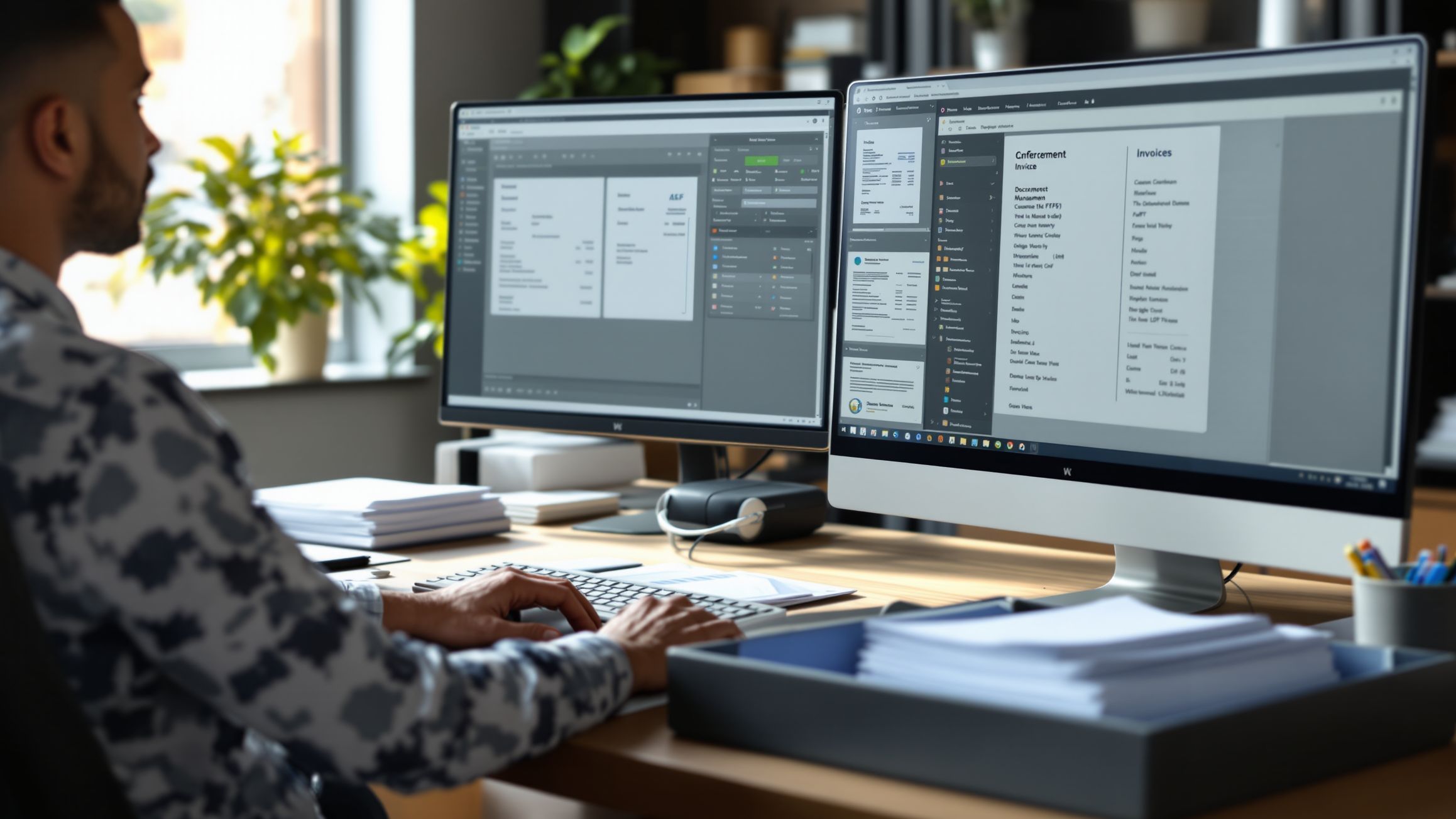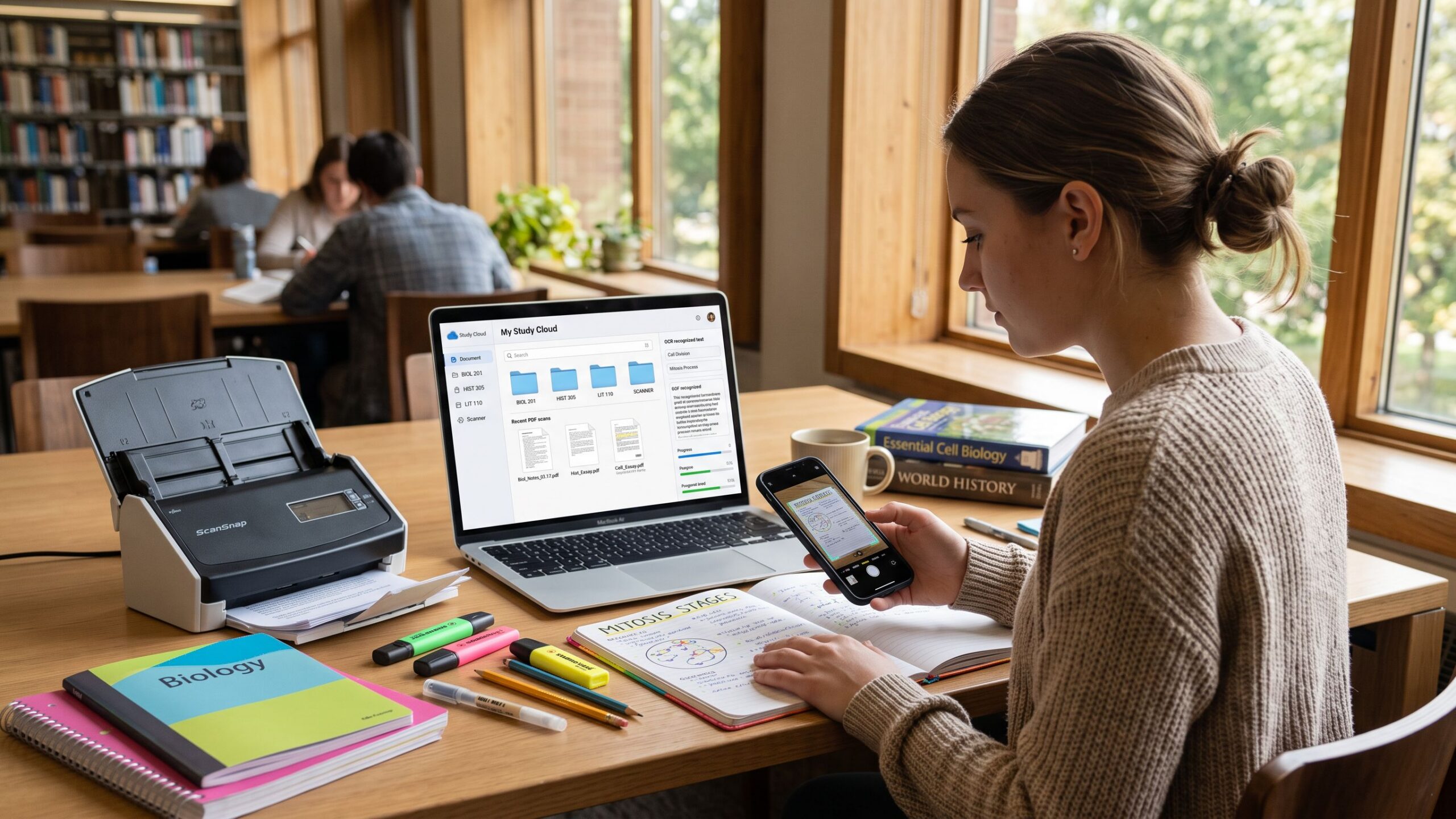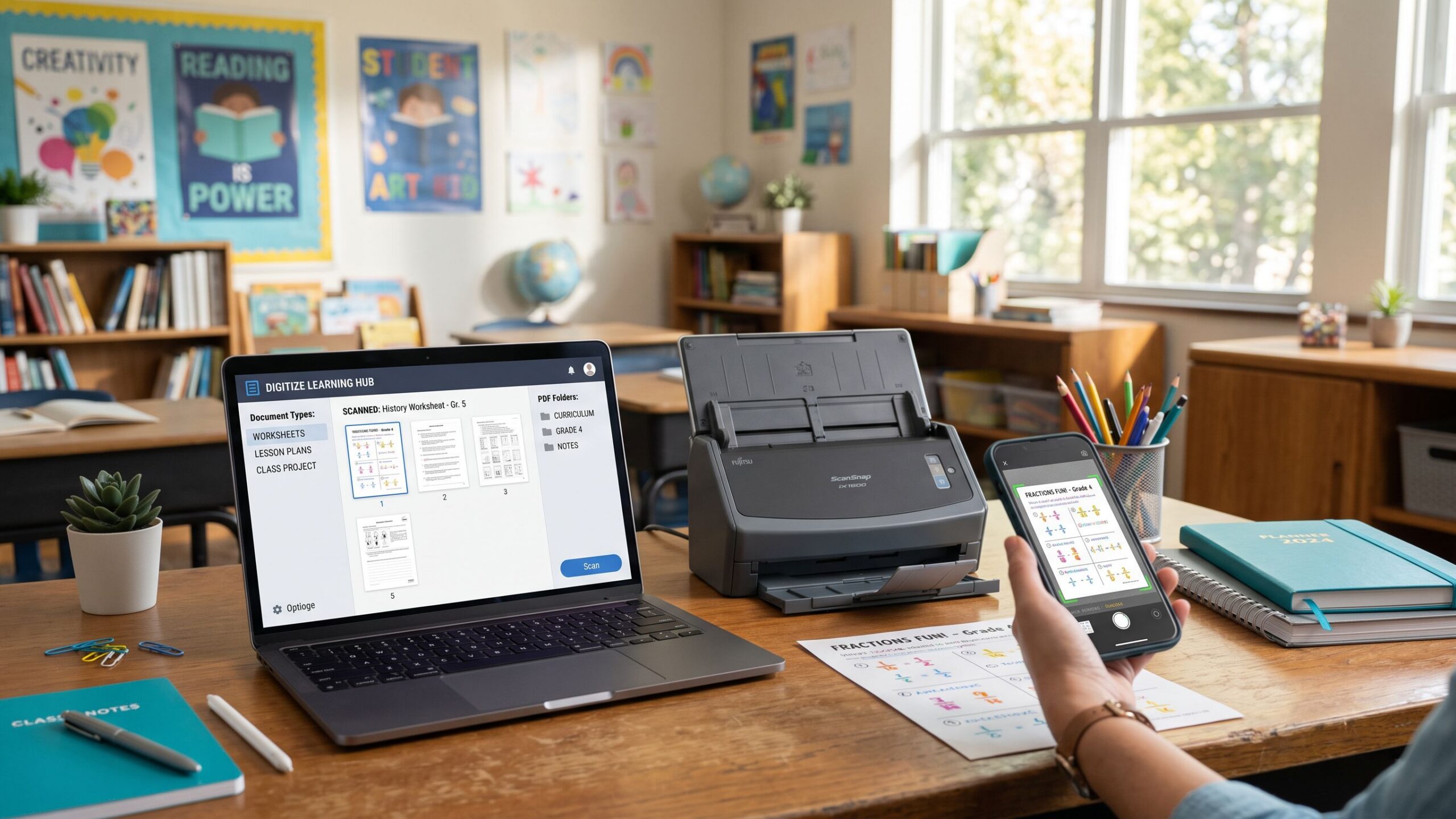
Teachers are masters of multitasking. Between planning lessons, grading assignments, organizing student records, preparing classroom materials, and communicating with families, educators manage an extraordinary amount of paperwork. From handwritten worksheets and printed quizzes to permission slips and classroom projects, paper documents can quickly overwhelm even the most organized teaching environment. Fortunately, modern document scanning software offers a practical way to turn physical classroom materials into searchable, shareable, and beautifully organized digital resources. The best scanning software for teachers and educators goes far beyond simply photographing a page. Today’s applications can automatically crop documents, improve image clarity, recognize printed text, create searchable PDFs, combine multiple pages, and integrate with popular cloud storage platforms. Some tools are ideal for quickly capturing student assignments with a smartphone, while others specialize in processing large stacks of worksheets or transforming printed educational resources into editable digital documents. Whether you’re an elementary school teacher digitizing reading activities, a high school educator organizing examinations, a university professor preserving research materials, or a homeschool parent managing lesson plans, the right scanning software can significantly improve your workflow. In this comprehensive Nova Streets review, we’ll explore the best document scanning programs for educators, compare their features, examine their strengths and limitations, and help you discover which solutions deserve a place in your classroom technology toolkit.
1. Adobe Scan: Best Overall Scanning Software for Teachers
Adobe Scan stands out as one of the most versatile document scanning applications for educators who need a dependable way to digitize classroom materials. Available for iOS and Android, the application transforms a smartphone or tablet into a portable scanner capable of capturing worksheets, handwritten assignments, textbooks, classroom notices, and multipage documents. Its intelligent document detection automatically identifies page boundaries, corrects perspective, and improves image clarity, helping teachers create professional-looking digital copies without specialized equipment. One of Adobe Scan’s greatest advantages is its optical character recognition technology, which converts printed text into searchable information. Teachers can digitize old worksheets and locate specific passages without manually examining every page. The application also supports multipage PDFs, allowing educators to combine an entire lesson packet into one convenient document. Adobe has even published guidance specifically demonstrating how educators can scan worksheets, answer keys, and assignments for classroom sharing.
2. Google Drive Scanner: Best for Google Classroom Environments
For educators already using Google Workspace for Education, Google Drive’s built-in document scanner offers an exceptionally convenient solution. Rather than requiring a separate scanning application, teachers can capture physical documents directly through the Google Drive mobile app and save them as digital files in their cloud storage. This integration is particularly useful for schools that rely on Google Classroom, Google Docs, and shared Drive folders for instructional materials. Teachers can scan printed worksheets, classroom announcements, permission slips, and handwritten notes, then organize the files within existing lesson folders. Google Drive supports document edge detection, cropping, image adjustments, and searchable PDF creation. The scanning feature is available through its Android and iOS applications, although it is not available directly through the desktop web interface.
3. Microsoft OneDrive: Best Scanning Solution for Microsoft 365 Educators
Microsoft OneDrive is a particularly practical scanning option for schools that depend on Microsoft 365, Teams, Word, and PowerPoint. Its mobile application includes built-in document scanning, allowing educators to capture classroom materials and save them directly to OneDrive. This makes it easy to organize scanned lesson plans, printed resources, student handouts, and administrative paperwork alongside existing digital teaching materials. OneDrive is especially relevant in 2026 because Microsoft officially retired its standalone Microsoft Lens application. Microsoft Lens was removed from app stores in February 2026, and the ability to create new scans ended in March 2026. Microsoft now recommends OneDrive’s built-in scanning feature as its replacement.
4. CamScanner: Best for Flexible Mobile Document Editing
CamScanner is a feature-rich mobile scanning application designed for users who want more control over their scanned documents. Its combination of image enhancement, page organization, OCR capabilities, and PDF tools makes it particularly interesting for educators handling different types of classroom paperwork. Teachers can use CamScanner to digitize printed handouts, capture handwritten materials, organize multipage assignments, and improve the appearance of documents photographed under less-than-ideal lighting conditions. The software’s image-processing features are especially useful when classroom lighting creates shadows or when paper documents are slightly wrinkled or uneven. A teacher preparing substitute lesson materials, for instance, could capture several printed instructions and worksheets, arrange them into a single document, and share the completed file with authorized staff. CamScanner also offers tools for annotating and managing scanned files, although feature availability depends on the subscription level and application version. The free experience may include limitations, advertisements, or restrictions on advanced functionality. Teachers should also evaluate its privacy practices and institutional approval requirements before using it with student records or personally identifiable information. While CamScanner offers an extensive toolkit, educators who only need occasional scanning may find simpler applications more convenient. Our Verdict: CamScanner is worth considering for teachers who frequently edit and organize mobile scans, provided its pricing, privacy practices, and available features meet their school’s requirements.
5. Scanner Pro by Readdle: Best for iPhone and iPad Classrooms
Scanner Pro by Readdle is a polished document scanning application designed for Apple devices. Its combination of intelligent document detection, image correction, multipage scanning, and document organization makes it especially appealing to educators who regularly use an iPhone or iPad. The application can capture worksheets, classroom notes, printed diagrams, and administrative paperwork while improving the readability of scanned pages. Teachers can organize related documents into digital collections and export files for use in other applications. One of Scanner Pro’s strengths is its emphasis on creating a streamlined mobile scanning experience. Rather than relying on a traditional desktop scanner, educators can capture documents while moving between classrooms, attending meetings, or preparing materials at home. For example, an art teacher might photograph printed reference materials and handouts before organizing them into digital resources for an upcoming project. The application also offers OCR and additional productivity features through supported plans. Its premium features are generally associated with Scanner Pro Plus subscriptions or in-app purchases, so users should review the current offering rather than assume a one-time purchase includes every feature. The primary limitation is platform availability, since the application is aimed at Apple’s mobile ecosystem. Teachers using Android devices or needing extensive desktop scanner controls may prefer other solutions. Our Verdict: Scanner Pro is an attractive premium option for iPhone and iPad educators who value a refined interface, convenient document organization, and capable mobile scanning tools.
6. Genius Scan: Best for Organized Classroom Document Archives
Genius Scan focuses on making document capture fast, efficient, and manageable. Developed by The Grizzly Labs, the application is particularly useful for educators who want to digitize paperwork and maintain organized digital collections without constantly navigating complicated settings. Its scanning features include automatic document detection, perspective correction, image enhancement, and multipage PDF creation. These capabilities are useful for teachers handling stacks of printed assignments, permission forms, lesson resources, and classroom notices. Genius Scan also provides document management and export options, with more advanced features available through paid plans. Depending on the version and subscription, users may access OCR, automation, and additional storage integrations. One appealing consideration is the availability of on-device text recognition in its Ultra offering, which can be relevant to educators evaluating where document processing takes place.
7. ABBYY FineReader PDF: Best for Converting Printed Teaching Materials Into Editable Text
ABBYY FineReader is particularly valuable for educators who need to do more than preserve a scanned image. Its primary strength lies in optical character recognition, which can transform printed documents into searchable and, depending on the output format, editable digital content. This makes it especially useful for teachers who regularly work with older educational resources, printed articles, textbook excerpts, archived examinations, and reference materials. Rather than manually retyping an entire worksheet, educators can scan the page and use OCR to recover much of the original text. The recognized content can then be reviewed and adapted for appropriate instructional purposes. For example, a history teacher might digitize a public-domain historical document and prepare a readable classroom edition with enlarged text and improved formatting. University instructors can similarly use OCR to organize research materials and create searchable collections of printed academic resources. ABBYY’s technology is designed to recognize multiple languages and complex document structures, although recognition accuracy varies with scan quality and layout. Handwritten responses, mathematical equations, unusual fonts, and damaged pages may require extensive correction. Teachers should also verify the features and availability of the specific Windows or Mac edition before purchasing, since capabilities can differ between platforms. Copyright permissions remain important when digitizing textbooks and other protected educational materials. Our Verdict: ABBYY FineReader is an excellent choice for educators who regularly convert printed instructional materials into searchable or editable documents and need more sophisticated OCR capabilities.
8. Apple Notes: Best Free Scanning Software for Everyday Classroom Tasks
Sometimes the simplest solution is already sitting in a teacher’s pocket. Apple’s Notes application includes a built-in document scanner that allows iPhone and iPad users to capture paper documents without installing a separate scanning program. Teachers can photograph worksheets, handwritten notes, classroom reminders, and printed announcements, while the application helps detect document boundaries and correct perspective. Multiple pages can be captured together, creating a convenient digital record that can be saved or shared through supported options. Apple Notes is particularly useful for quick tasks that do not justify opening a dedicated scanning application. Imagine a kindergarten teacher discovering a useful printed activity during lesson preparation. Instead of carrying the original paper to a copier, the teacher can scan it with an iPhone and save the digital version for later use. Apple’s Live Text and related text-recognition capabilities can also help users interact with recognized text on supported devices.
9. VueScan: Best for School Scanners and High-Volume Paperwork
VueScan offers a different approach from smartphone-based scanning applications. Rather than concentrating on mobile photography, it provides extensive support for dedicated scanning hardware, making it particularly useful for schools with flatbed scanners, multifunction printers, and automatic document feeders. Developed by Hamrick Software, VueScan supports thousands of scanner models and provides detailed controls for resolution, color adjustments, image processing, and output formats. This flexibility can be valuable for schools trying to extend the useful life of older scanning equipment. Educational institutions frequently operate with limited technology budgets, and replacing a functional scanner simply because its original software no longer works can be frustrating. VueScan may offer a practical alternative when a particular device is supported. Teachers and administrative staff can use it to digitize printed worksheets, curriculum materials, school newsletters, and archived records. Automatic document feeder support, where compatible, can also improve efficiency when processing large stacks of paperwork. For example, a school office digitizing years of historical newsletters could use a compatible scanner to produce organized PDF archives. VueScan’s interface is more technical than many mobile scanning applications, and some users may need time to become comfortable with its advanced settings. Its licensing and feature availability also vary by edition. Our Verdict: VueScan is an excellent choice for schools that depend on dedicated scanners, especially when hardware compatibility and detailed scanning controls are major priorities.
10. Adobe Acrobat Pro: Best for Advanced Educational PDF Workflows
Adobe Acrobat Pro goes beyond document scanning to provide a comprehensive environment for editing, organizing, reviewing, and distributing PDF files. For educators who regularly create digital teaching materials, this versatility can be particularly valuable. Teachers can import scanned worksheets, recognize printed text with OCR, rearrange pages, combine multiple documents, add annotations, and prepare polished instructional resources. The software also supports PDF forms, document security features, and collaboration workflows. A high school English teacher, for example, could combine several appropriately licensed reading passages into a single study packet, add instructional notes, and create a consistent PDF for classroom distribution. University instructors may find Acrobat Pro useful when organizing lengthy research materials or preparing accessible digital course documents. However, OCR alone does not guarantee accessibility. Proper reading order, headings, alternative text, and other accessibility features may still require manual attention. Acrobat Pro is particularly attractive for educators who frequently modify scanned documents rather than simply store them. Its main drawback is cost. The subscription may be difficult to justify for teachers who only scan occasional handouts, especially when free alternatives already meet their needs. Some institutions provide Adobe licensing through campus agreements, making it worthwhile to check available school technology benefits before purchasing independently. Our Verdict: Adobe Acrobat Pro is a powerful premium solution for educators who need advanced PDF editing, document organization, and professional instructional material preparation.
How the Best Scanning Software Compares for Classroom Use
Choosing the right scanning application becomes easier when educators consider the kinds of documents they handle most frequently. Adobe Scan offers a strong balance of mobile capture and OCR, making it suitable for general classroom use. Google Drive Scanner is particularly convenient for schools using Google Workspace, while OneDrive fits naturally into Microsoft 365 environments. Apple Notes provides a simple free solution for everyday tasks, and Scanner Pro offers a more specialized experience for Apple mobile users. Genius Scan emphasizes document capture and organization, while CamScanner provides additional editing flexibility. ABBYY FineReader is especially relevant when teachers need to extract text from printed resources, and VueScan is designed for educators using dedicated scanning hardware. Adobe Acrobat Pro occupies a different category by combining OCR with extensive PDF editing and management tools. These distinctions matter because scanning a single permission slip is very different from digitizing an entire semester of instructional materials. Teachers should evaluate whether they need mobile capture, high-volume scanning, searchable text, document editing, cloud integration, or a combination of these capabilities.
Why OCR Technology Is a Game Changer for Teachers
Optical character recognition has transformed document scanning from simple image capture into a powerful educational productivity tool. When a teacher scans a printed worksheet without OCR, the resulting file may be readable but difficult to edit or search. OCR analyzes the characters on the page and converts them into machine-readable text, allowing educators to locate specific words, copy passages, and potentially convert printed materials into editable formats. This can save considerable time when updating older lesson plans or adapting classroom resources. A science teacher might scan a printed vocabulary sheet and extract its terminology for use in a digital study guide. A language arts teacher could digitize an older reading activity and revise its instructions for a different grade level. OCR also supports document organization by making scanned archives easier to search. However, educators should understand its limitations. Handwriting, mathematical notation, diagrams, unusual fonts, and poorly captured pages can produce recognition errors. OCR output should always be reviewed before being distributed to students, particularly when accuracy is essential. For accessibility, recognized text is only one part of producing an inclusive document. Proper structure, reading order, and compatibility with assistive technologies remain important considerations.
Digitizing Worksheets, Assignments, and Lesson Plans
One of the most practical applications of scanning software in education is the creation of reusable digital teaching materials. Many educators accumulate years of printed worksheets, activity sheets, reading passages, and lesson plans that remain valuable but are difficult to organize physically. Scanning these resources allows teachers to create digital libraries arranged by subject, grade level, unit, or academic year. For example, an elementary teacher could establish separate folders for mathematics, reading comprehension, science experiments, and seasonal activities. Each scanned document could receive a descriptive file name, making it easier to locate when preparing future lessons. Teachers can also scan their own handwritten lesson notes and preserve them alongside digital resources. When combined with OCR and PDF editing software, scanned materials may become easier to revise, enlarge, annotate, or adapt. However, educators should confirm that they have permission to reproduce and distribute copyrighted materials. Digitization does not automatically grant permission to share entire textbooks or commercially licensed worksheets. A thoughtful scanning workflow can reduce repetitive preparation while preserving useful instructional materials for future classes.
Scanning Student Work for Portfolios and Progress Tracking
Digital student portfolios can provide valuable insight into academic development over time. Rather than storing every completed assignment in physical folders, teachers can scan selected examples of student work and organize them into approved digital portfolios. This approach is particularly useful for preserving artwork, handwritten compositions, project reflections, and other assignments that demonstrate growth. An elementary school teacher might scan writing samples from the beginning, middle, and end of the academic year to document improvements in sentence structure, handwriting, and creative expression. Art educators can preserve photographs or scans of projects that students take home, while special education teachers may use approved systems to maintain relevant work samples for progress monitoring. However, scanning student work introduces important privacy responsibilities. Documents containing names, grades, disability information, or other personally identifiable details should only be stored and shared through school-approved systems. In the United States, the Family Educational Rights and Privacy Act (FERPA) may apply to records maintained by covered educational institutions. Teachers should follow district policies regarding consent, retention, access, and deletion. The best scanning workflow is not simply the fastest one; it is also secure, organized, and appropriate for the information being handled.
How Scanning Software Supports Accessible and Inclusive Learning
Document scanning can play an important role in creating more flexible learning environments. Teachers frequently encounter printed resources that are difficult for some students to use because of small text, poor contrast, or inaccessible formatting. Scanning and processing these materials can provide opportunities to improve readability and adapt content. OCR-enabled applications may allow educators to extract printed text for enlargement, reformatting, or use with compatible assistive technologies. A teacher might convert a printed reading passage into editable text, increase its font size, improve spacing, and prepare a more accessible version for a student who benefits from larger print. Similarly, digitized classroom resources can support students who need to access materials outside the physical classroom. However, a scanned PDF is not automatically accessible merely because it contains recognized text. Educators may need to add proper headings, reading order, image descriptions, and other structural elements. Complex worksheets containing tables, charts, and diagrams may require additional manual work. Scanning software should therefore be viewed as an important starting point for accessibility rather than a complete solution. When used thoughtfully, it can help teachers create more adaptable instructional materials that better accommodate diverse learning needs.
Free vs. Paid Scanning Software: What Should Teachers Choose?
Educational budgets are often limited, making cost an important factor when selecting classroom technology. Fortunately, many teachers can accomplish essential scanning tasks without purchasing expensive software. Apple Notes, Google Drive Scanner, and OneDrive’s scanning features provide accessible starting points for educators already using their respective platforms. Adobe Scan also offers free core scanning capabilities, while applications such as Genius Scan, Scanner Pro, and CamScanner provide additional features through various paid options. Premium software becomes more attractive when educators need sophisticated OCR, advanced document editing, automation, or extensive file-management capabilities. ABBYY FineReader may be worthwhile for teachers who frequently convert printed resources into editable text, while Adobe Acrobat Pro can be useful for creating and modifying complex PDF documents. VueScan may justify its expense when it allows a school to continue using compatible scanning hardware that would otherwise be difficult to operate. Before purchasing any program, educators should investigate institutional licenses, school technology budgets, and available educational discounts. Some schools already provide access to premium productivity applications, potentially eliminating the need for personal subscriptions. The smartest choice is not necessarily the most powerful software but the one that provides the greatest practical benefit for the lowest reasonable cost.
Choosing the Right Scanning Software for Your Teaching Style
Different teaching environments require different scanning solutions. Elementary educators may prioritize speed, simplicity, and the ability to capture colorful worksheets or student artwork. Secondary school teachers may place greater emphasis on organizing examinations, instructional packets, and subject-specific resources. University professors often need sophisticated OCR and PDF management tools for research articles, academic references, and lengthy course materials. Special education professionals may require reliable document organization and accessibility-focused workflows, while homeschool educators may prefer affordable applications that work across personal devices. Technology compatibility also matters. Teachers using Chromebooks and Google Workspace may find Google Drive especially convenient, while educators working primarily with Microsoft Teams and OneDrive may prefer Microsoft’s integrated tools. Apple-focused classrooms can benefit from Notes and Scanner Pro, and schools with dedicated scanners may find VueScan particularly valuable. Before committing to an application, test it with several representative documents, including handwritten notes, multipage worksheets, diagrams, and printed text. Evaluate scan clarity, OCR accuracy, export options, file organization, and privacy controls. A program that handles these everyday tasks efficiently is likely to deliver more value than one offering impressive features that rarely get used.
Final Verdict: Which Scanning Software Is Best for Teachers and Educators?
The best scanning software for teachers and educators should simplify classroom responsibilities rather than introduce another complicated technology platform. Adobe Scan earns our recommendation as the best overall option because it combines convenient mobile scanning, intelligent document enhancement, OCR, and practical PDF creation in an accessible application. Google Drive Scanner is particularly appealing for Google Classroom environments, while Microsoft OneDrive offers a natural solution for schools using Microsoft 365. Apple Notes is an excellent free option for quick everyday scans, and Scanner Pro provides a polished alternative for educators who rely heavily on iPhones and iPads. Genius Scan and CamScanner offer additional document management flexibility, while ABBYY FineReader stands out for text recognition and document conversion. VueScan is particularly useful for schools operating dedicated scanners, and Adobe Acrobat Pro provides advanced PDF capabilities for educators who need comprehensive editing and document preparation tools. Ultimately, the greatest benefit of scanning software is not simply reducing paper clutter. It is giving teachers more control over their instructional resources, making documents easier to retrieve, supporting accessible learning materials, and reducing repetitive administrative work. With the right scanning tools and a well-organized digital workflow, educators can spend less time searching through paperwork and more time doing what matters most: inspiring curiosity, supporting students, and creating meaningful learning experiences.
Document Scanning Software Programs Reviews
Explore Nova Street’s Top 10 Best Document Scanning Software Programs! Dive into our comprehensive analysis of the most powerful tools designed to transform how you scan, digitize, and manage documents across every device. Our detailed side-by-side comparison chart helps you pinpoint the perfect solution for document scanning, OCR text recognition, PDF creation, image enhancement, and secure archiving—all in real time. We break down every critical element—scan accuracy, OCR quality, file format support, image cleanup, batch processing, searchability, cloud storage integration, automation features, pricing, and cross-platform compatibility—so your document workflow stays clean, efficient, and seamlessly connected across Windows, macOS, iOS, Android, and the web.