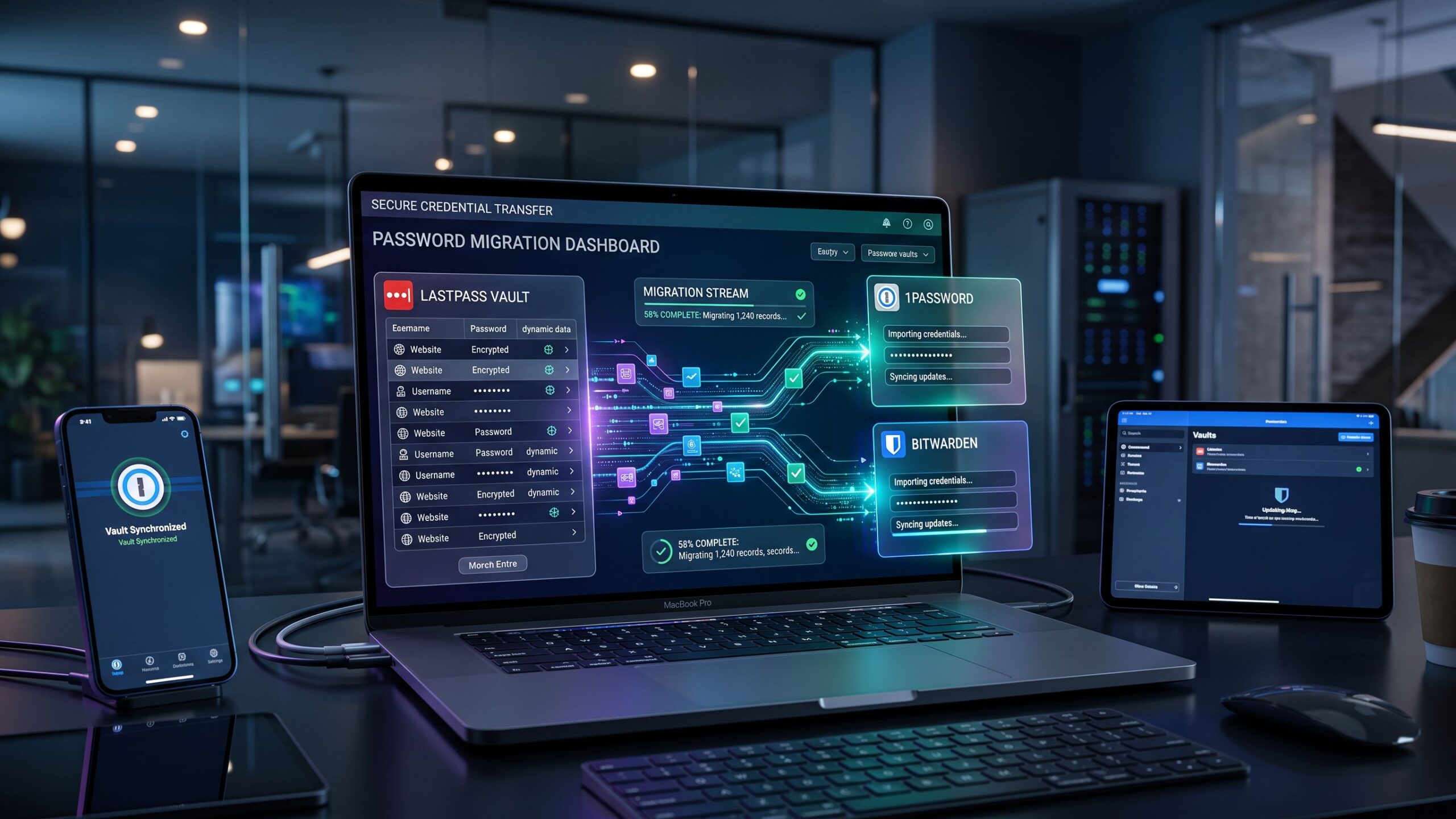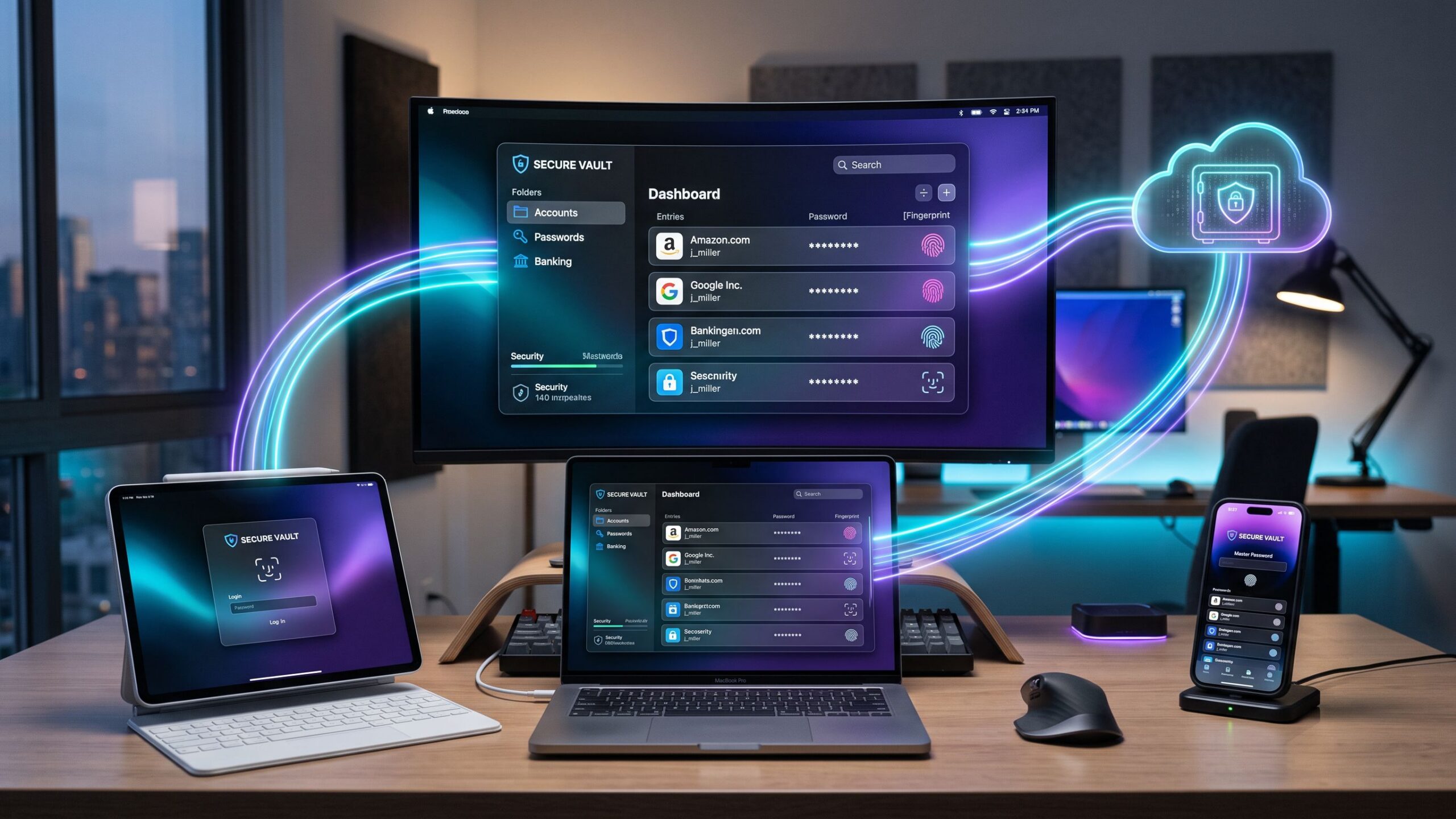
Choosing a password manager can feel confusing because there are so many options available and most of them promise the same results. They all claim to protect your passwords, improve your security, and make daily logins easier. For many people, it becomes difficult to know which features actually matter and which ones are just marketing language.
A good password manager does much more than remember passwords. It helps protect your accounts, creates stronger logins, stores sensitive information safely, and reduces the risk of breaches caused by weak or reused passwords. Whether you need one for personal use, your family, or your business, the right platform should make security feel simpler, not more complicated.
A Simple Buyer’s Guide
The best password manager depends on how you use technology every day. Some people need a simple tool for banking, shopping, and social media accounts. Others need advanced features like secure sharing, family vaults, admin controls, and business-wide access management.
Platforms like 1Password, Bitwarden, Dashlane, Keeper, NordPass, and LastPass all serve slightly different needs. Some focus on personal convenience, some prioritize business security, and others stand out because of flexible pricing or stronger technical control.
The goal is not to choose the most expensive password manager or the one with the loudest advertising. The goal is to choose the one that fits your daily habits, protects your information, and becomes something you actually use every day.
Start With What You Need to Protect
Before comparing brands, the first question should be simple. What are you trying to protect? The answer changes everything about which password manager makes the most sense.
For personal users, the focus is often on email accounts, banking logins, shopping websites, streaming services, and social media profiles. The goal is stronger security without making everyday life harder.
For families, password sharing becomes more important. Parents may need shared access to subscriptions, school accounts, utility services, medical portals, and emergency information. In this case, shared vaults and family plans become much more valuable.
For freelancers or small business owners, the priority often shifts to client accounts, software subscriptions, project tools, and shared credentials with assistants or contractors. This requires more than personal password storage because access must be controlled and secure.
For larger companies, admin controls become critical. Businesses need audit logs, onboarding systems, offboarding protection, permission management, and policy enforcement. A simple personal password manager is usually not enough for that environment.
Knowing whether you need personal convenience or full business security makes the buying process much easier.
Security Features Should Come First
Every password manager should offer basic protection, but not all of them handle security at the same level. Security should always matter more than design, branding, or price.
Strong encryption is the foundation. A password manager should use zero-knowledge architecture, which means even the company providing the service cannot see your stored passwords. Your vault should be protected by strong encryption and secured by a master password only you control.
Multi-factor authentication is another essential feature. Even if someone learns your master password, MFA adds another layer of protection using an authentication app, fingerprint login, face recognition, or a hardware security key.
Password generation should also be built in. A strong password manager creates unique, complex passwords automatically instead of relying on people to invent them manually. This reduces one of the biggest causes of account breaches.
Breach monitoring is another major advantage. Some password managers alert users if saved accounts appear in known data leaks, giving you a chance to change passwords before attackers use them.
Secure storage should also go beyond passwords. Many people store payment details, passport information, Wi-Fi credentials, secure notes, backup codes, and private documents inside their password manager. A strong platform protects all of it, not just login fields.
Without these basics, even the most attractive password manager is not worth trusting.
Device Compatibility Matters More Than Most People Think
One of the most common mistakes buyers make is choosing a password manager without checking how well it works across their real devices.
A password manager should work smoothly everywhere you need it. That usually means laptops, desktop browsers, mobile phones, tablets, and sometimes shared work computers. If logging in feels frustrating on one device, people often stop using the tool completely.
Browser extensions are especially important because most logins happen online. Chrome, Safari, Firefox, Edge, and Brave support should feel smooth and reliable.
Mobile apps matter just as much. If you log into banking apps, work platforms, or shopping accounts from your phone, autofill should be fast and secure. A password manager that feels great on desktop but frustrating on mobile quickly becomes a problem.
Cross-platform syncing should also be simple. Many people move between Windows, Mac, iPhone, Android, and tablets throughout the day. The best password manager should make that transition feel invisible.
Offline access can also matter. During travel or internet outages, being able to reach important passwords without a live connection can become extremely valuable.
Convenience is part of security. If a tool is frustrating, people stop using it, and security breaks down.
Sharing and Family Access Matter More Than Expected
Many people think password managers are only for individual use, but secure sharing is often one of the most valuable features.
Families may need shared access to subscriptions, streaming services, utility accounts, school portals, and emergency contacts. Without a secure system, this information often gets passed through text messages or written in unsafe places.
A strong family plan allows shared vaults while still protecting private personal accounts. Parents can share household access without exposing every private login.
For freelancers and business users, secure sharing becomes even more important. Client logins, website credentials, marketing tools, and vendor accounts should be shared safely without sending passwords through email or messaging apps.
Permission settings matter here. Some password managers allow view-only access, limited editing rights, or approval workflows so shared credentials stay controlled instead of becoming another security problem.
Emergency access is another valuable feature. If something happens to the main account owner, trusted contacts may need secure access to important accounts without compromising privacy during normal life.
Sharing should feel safe, simple, and controlled, not like another risky shortcut.
Understand Pricing the Right Way
Price matters, but choosing the cheapest password manager can become more expensive later if it creates security problems or poor daily usability.
Free plans can work for basic personal use, especially for someone managing only a few accounts and devices. However, free versions often limit syncing, secure sharing, breach monitoring, or advanced recovery features.
Premium personal plans usually offer the best balance for most people. They include stronger device support, better autofill, password health reports, and emergency access for a relatively small monthly cost.
Family plans often provide much better value than paying for multiple separate subscriptions. Shared vaults and easier account management make them worth serious consideration for households with several users.
Business plans should be judged differently. Their real value comes from admin controls, audit logs, onboarding tools, access rules, and security enforcement, not just password storage.
Instead of asking which password manager is cheapest, the better question is which one protects the most important parts of your digital life without creating daily frustration.
Best Choices for Different Users
For most personal users, 1Password is often the strongest overall choice because it balances security, ease of use, and reliable device compatibility. It feels polished and helps build long-term habits instead of short-term convenience.
Bitwarden is often the best value option, especially for users who want strong security at a lower price. Its open-source model also appeals to people who value transparency and technical trust.
Dashlane is a strong option for people who prioritize simplicity and easy adoption. Its clean interface makes it attractive for users who want security without a steep learning curve.
Keeper performs especially well for people who prioritize deeper security controls or work in more sensitive professional environments where advanced protection matters more than simplicity.
NordPass works well for users who want straightforward setup and strong performance across modern devices without unnecessary complexity.
There is no perfect password manager for everyone. The best one is the one that matches how you actually live and work.
Final Verdict
Choosing a password manager should start with your real daily needs, not marketing promises. Think about what accounts you protect, how often you share access, which devices you use most, and how much security control you actually need.
A strong password manager should feel like a natural part of your routine, not another complicated tool you ignore. It should make secure behavior easier, not harder.
If you want the best all-around balance of usability and protection, 1Password is often the strongest choice. If budget matters most, Bitwarden delivers excellent value. If family sharing is the priority, strong shared vaults matter more than advanced business controls.
The best password manager is not the one with the biggest feature list. It is the one you trust, use every day, and rely on when your most important accounts need protection.
Screen Capture and Recording Software Reviews
Explore Nova Street’s Top 10 Best Screen Capture and Recording Software Tools! Dive into our comprehensive analysis of the most powerful platforms designed to transform how you record, edit, and share visuals across every device. Our detailed side-by-side comparison chart helps you pinpoint the perfect solution for screen capturing, video recording, live streaming, and post-production editing—all in real time. We break down every critical element—capture resolution, frame rate performance, audio integration, webcam overlays, annotation tools, editing flexibility, export formats, storage management, workflow automation, pricing, and cross-platform compatibility—so your creative workspace stays sharp, efficient, and seamlessly connected across Windows, macOS, iOS, Android, and the web.