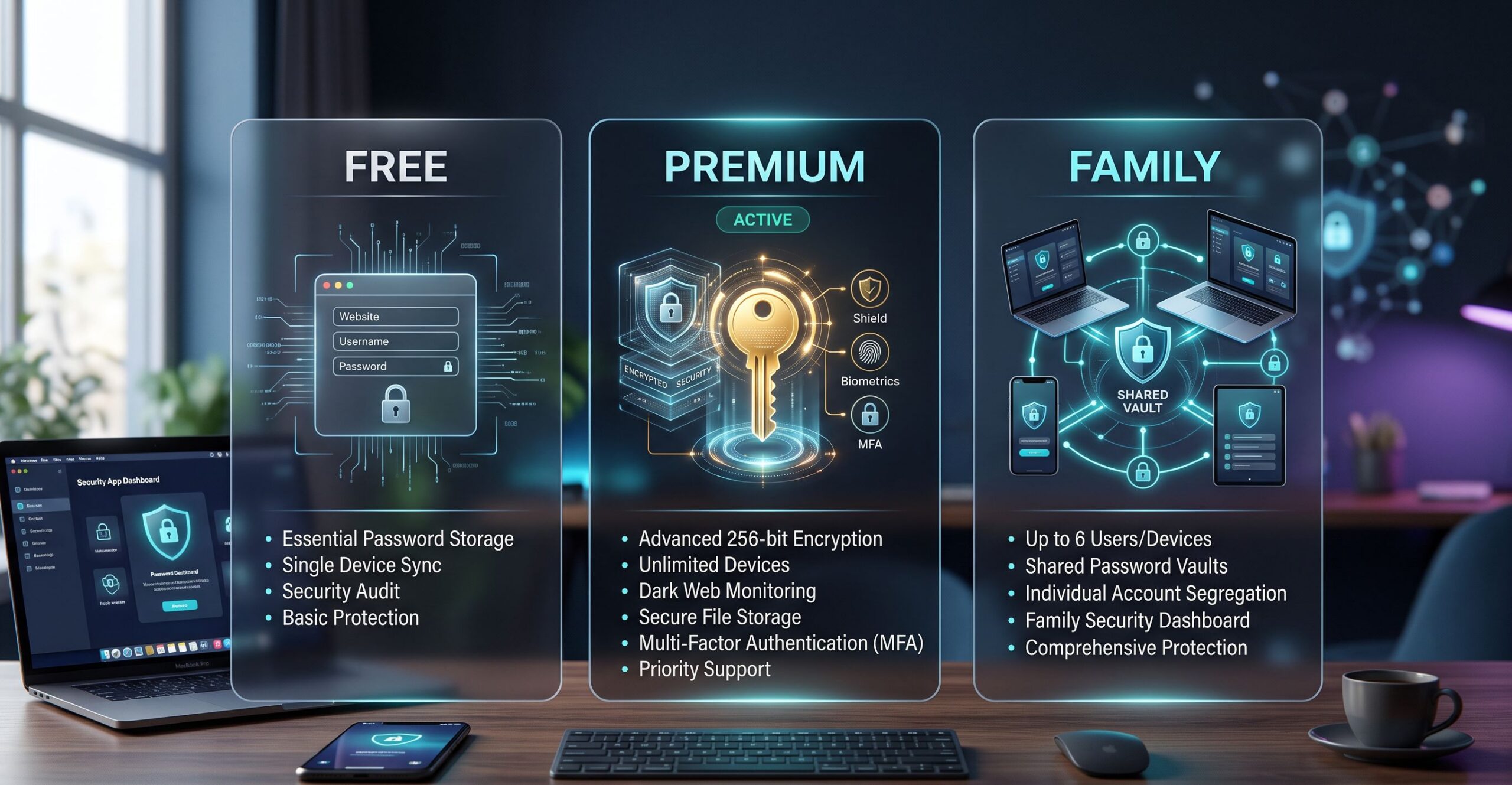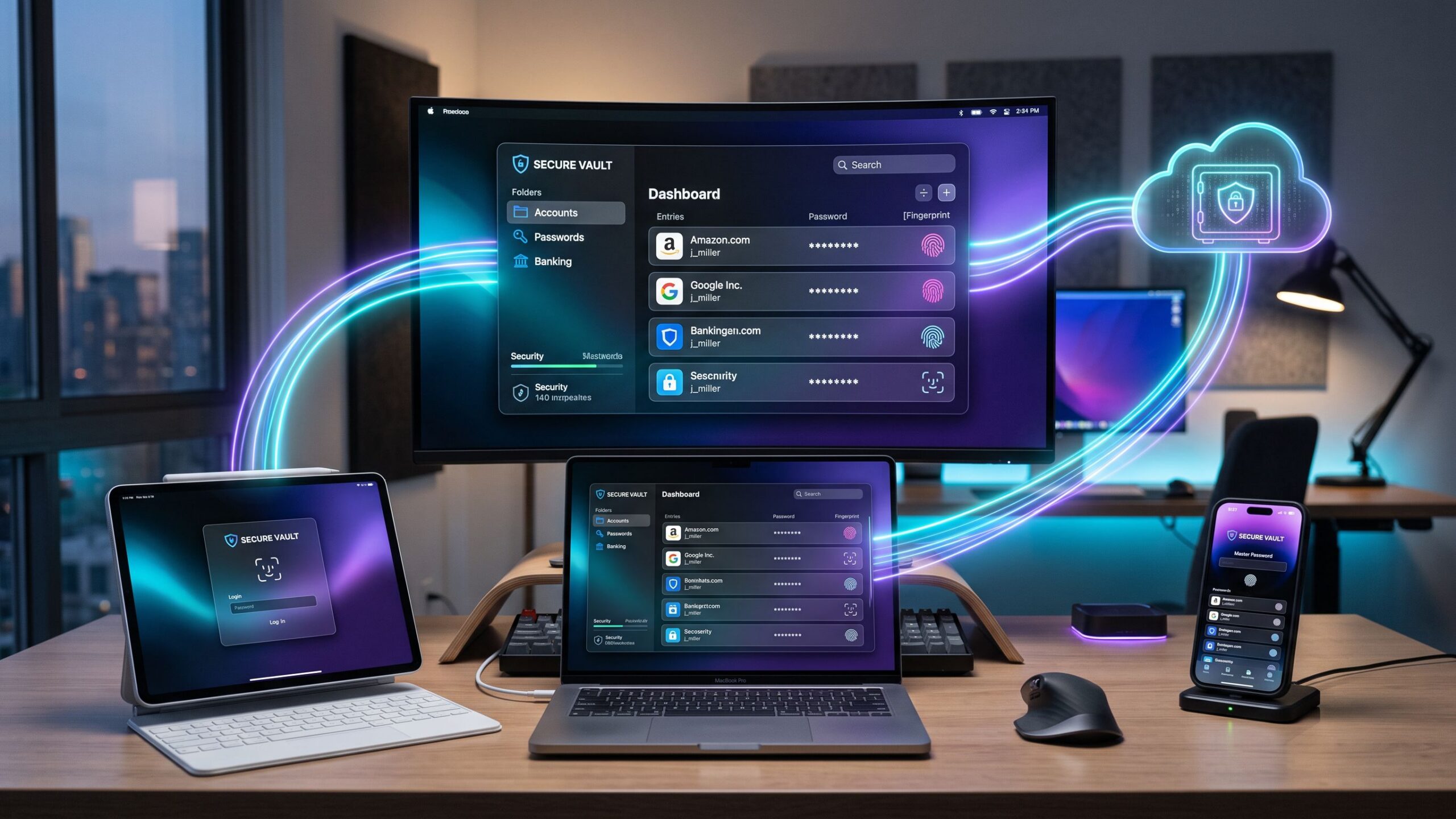
Business teams manage passwords for client portals, financial platforms, cloud software, customer accounts, internal systems, and shared company tools every single day. From billing software and payroll systems to marketing dashboards and client portals, passwords are part of nearly every business task. When those passwords are stored in spreadsheets, shared through email, written on sticky notes, or saved in unsecured browser logins, security risks grow quickly and small mistakes can turn into major problems.
A strong password manager helps protect sensitive information, improve team security, and keep access organized across the entire business. Instead of relying on memory or unsafe shortcuts, employees can work inside a secure system where passwords are protected, shared safely, and monitored by administrators.
Admin Controls, Policies, and Sharing
The best password manager for business teams does far more than simply save passwords. It creates a secure structure where administrators can control access, enforce password policies, monitor login security, and safely share credentials without exposing sensitive information. This turns password management from a daily frustration into a reliable business system.
Instead of relying on messy manual systems, businesses gain visibility and control across every department. Administrators can decide who has access to what, when access should expire, and how passwords should be created and stored. This reduces confusion, improves accountability, and strengthens security from the top down.
Platforms like 1Password, Bitwarden, Keeper, NordPass, and Dashlane continue to lead the market because they focus on both protection and usability. Some are ideal for startups that need flexibility and affordable pricing, while others are better for larger organizations with strict compliance requirements and advanced reporting needs.
The right choice depends on how your business works, how sensitive your systems are, and how much administrative control your team needs. A password manager should not feel like another tool employees avoid. It should become part of the normal workflow, making secure access easier instead of harder.
Why Business Teams Need More Than a Personal Password Manager
Many businesses begin with simple password sharing habits. One employee creates the account, another saves the login in a browser, and someone else sends the password through a text message or email. For a very small team, this may seem manageable at first, but as the business grows, these habits become dangerous.
As departments expand and employees change roles, access becomes harder to track. Contractors join projects, remote workers need secure logins, and staff members leave the company. Shared credentials remain scattered across devices, inboxes, and old notes. A former employee may still have access to critical systems months after leaving, and no one may know who last changed a password.
A personal password manager is not built for this level of complexity. Business teams need centralized administration, not just private storage. They need shared vaults, permission settings, audit logs, role-based access, and automated onboarding and offboarding systems that remove risk during transitions.
A business password manager solves these problems by creating structure. Marketing teams can access social media and advertising accounts without seeing payroll systems. Finance can manage payment platforms without touching development tools. IT teams can oversee everything from one secure dashboard with full visibility.
This improves both security and productivity. Employees stop wasting time searching for passwords, and managers stop worrying about who still has access. Security becomes intentional instead of accidental, which is exactly what growing businesses need.
The Most Important Features to Look For
The best password managers for business teams are built around admin controls first and convenience second. Strong security should not depend on individual employee habits or memory. It should be supported by systems that make safe behavior automatic and risky behavior harder to repeat.
Centralized user management is one of the most important features. Administrators should be able to add users, remove access, assign permissions, and manage account ownership from one dashboard. This becomes especially important during hiring, promotions, department changes, and employee departures.
Role-based permissions create safer access across the company. Not every employee should see every password. A strong system allows businesses to limit access based on department, responsibility, seniority, or project assignment. This reduces unnecessary exposure and improves accountability.
Secure sharing is another major requirement. Teams often need access to the same accounts, but passwords should never be copied into emails, text messages, or chat platforms. Shared vaults allow secure access while keeping credentials protected inside the platform itself.
Audit trails are essential for visibility. If a password is viewed, changed, exported, or shared, administrators should know exactly who did it and when it happened. This is valuable for internal reviews, compliance audits, and security investigations.
Password health reporting helps businesses prevent problems before they become expensive. Weak passwords, reused credentials, old passwords, and accounts exposed in data breaches should be visible through a dashboard instead of discovered after an incident.
Directory integration also matters for growing teams. Password managers that connect with Microsoft 365, Google Workspace, Okta, and Azure AD reduce manual work and improve access control across the organization.
Without these features, a password manager becomes little more than a digital notebook. Businesses need governance, not just storage.
Best Overall: 1Password for Business
For many organizations, 1Password remains the strongest overall choice because it combines powerful administrative controls with excellent usability. It works equally well for IT teams managing security and everyday employees handling daily tasks, which is one of its biggest advantages.
Its shared vault structure is one of the best in the industry. Businesses can organize credentials by department, project, client, leadership team, or access level without creating confusion. Permissions are simple to manage, which improves both security and employee adoption.
One of its standout features is Watchtower. This monitoring system identifies weak passwords, reused credentials, compromised accounts, and other security risks before they become serious problems. Instead of reacting after a breach, administrators can fix issues early and reduce exposure.
1Password is also excellent for onboarding and offboarding. New employees can receive the right access quickly, while departing staff can be removed without leaving hidden security gaps behind. This creates smoother transitions and reduces forgotten access risks.
Its interface is polished and simple to use, which matters more than many businesses realize. Employees are far more likely to follow security policies when the system feels smooth instead of frustrating.
It is not always the cheapest option, but for businesses that want the best balance of security, usability, and long-term reliability, 1Password often earns the top position.
Best Value: Bitwarden for Teams
Bitwarden is often the best option for businesses that want strong enterprise-level security without high enterprise pricing. It delivers serious administrative features while remaining affordable enough for startups, agencies, and smaller growing teams.
Its open-source model gives many IT departments additional confidence. Transparency matters in security software, and many technical teams prefer platforms they can trust at a deeper level rather than relying only on marketing promises.
Business plans include shared vaults, role management, admin reporting, SSO support, and directory sync. Organizations that want more control can even choose self-hosting options, which adds another layer of flexibility for security-focused environments.
Bitwarden is especially strong for companies planning long-term growth. A small team can begin with a lower-cost plan and scale without needing to migrate later. That stability saves time, money, and operational disruption.
Its design is slightly less polished than some competitors, but from a pure value perspective, it is one of the smartest investments available. For businesses that care more about capability than appearance, Bitwarden is extremely difficult to beat.
Best for Compliance and Regulated Industries
Keeper is often the best choice for organizations where compliance, governance, and documentation are major priorities. Industries like healthcare, finance, legal services, and enterprise security often require much deeper reporting than standard password managers provide.
These businesses are not only protecting passwords. They are protecting client records, financial data, executive access, legal files, and confidential internal systems. That requires stronger visibility and tighter control.
Keeper focuses heavily on this environment. Its reporting tools help administrators track credential activity in detail, while advanced monitoring features improve visibility into compromised passwords and exposed accounts.
Role-based permissions are especially strong, making it easier to manage privileged credentials and sensitive executive access. Teams that handle confidential information often prefer this structure because accountability is easier to maintain.
Keeper can feel heavier and more complex than lighter tools like Dashlane or NordPass, but for businesses where security failures can create serious legal or financial consequences, that extra depth is often necessary.
Final Verdict
The best password manager for business teams depends on what your organization needs most. If you want the best balance of admin controls, secure collaboration, and employee-friendly design, 1Password is often the strongest overall choice.
If budget and flexibility matter most, Bitwarden delivers excellent value with enterprise-level security features and long-term scalability. If compliance and strict governance are the highest priority, Keeper is often the safest investment for serious business environments.
If your company depends heavily on Google Workspace, NordPass offers fast adoption and strong integration. If your biggest challenge is making sure employees actually use the system consistently, Dashlane remains one of the easiest platforms to adopt successfully.
The best password manager is not the one with the longest feature list. It is the one your team trusts, your administrators can control, and your business can rely on every single day. Strong password management is not just an IT upgrade. It is a foundation for safer business growth.
Screen Capture and Recording Software Reviews
Explore Nova Street’s Top 10 Best Screen Capture and Recording Software Tools! Dive into our comprehensive analysis of the most powerful platforms designed to transform how you record, edit, and share visuals across every device. Our detailed side-by-side comparison chart helps you pinpoint the perfect solution for screen capturing, video recording, live streaming, and post-production editing—all in real time. We break down every critical element—capture resolution, frame rate performance, audio integration, webcam overlays, annotation tools, editing flexibility, export formats, storage management, workflow automation, pricing, and cross-platform compatibility—so your creative workspace stays sharp, efficient, and seamlessly connected across Windows, macOS, iOS, Android, and the web.